Frank GO: Playing Go with AI
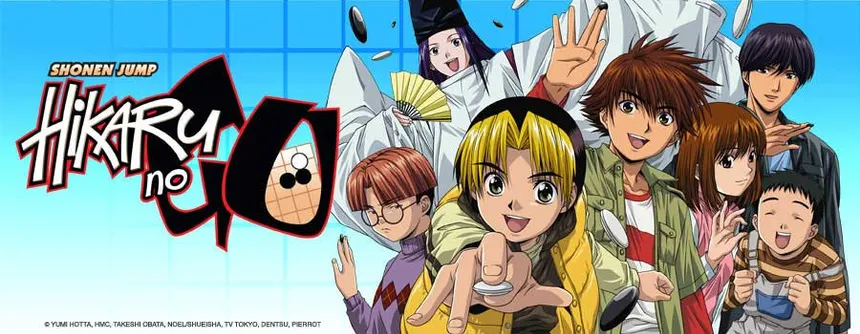
I got into the ancient game of Go because of the manga Hikaru no Go. I even wrote about it back in 2008, in a post that’s still up, arguing why programmers should play Go. Since then, my use case has barely moved: I own a physical goban at home, but I never had the slightest intention of joining a study group, a federation, or a tournament. I just like playing solo, solving tsumego (Go’s life-and-death puzzles), and loading famous games to study, like the legendary Lee Sedol vs AlphaGo games from 2016.
For anyone who doesn’t know the manga: Hikaru no Go (written by Yumi Hotta, drawn by Takeshi Obata, the same artist as Death Note) ran in Shonen Jump from 1998 to 2003 and set off a Go boom across all of Japan. And here’s a detail few people know: practically every game shown in the manga is based on a real historical game, recreated panel by panel. Hold onto that, because it comes back in a minute.
SGF and the scattered-material problem
There are several very good open source programs for loading Go games or even playing online. Go games are recorded in a format called SGF (Smart Game Format), a plain-text format that’s been around since the late 80s: each move becomes a coordinate (;B[pd] is a black stone on the 4-4 point), and the format supports variation trees, comments, and game metadata. It’s the de facto standard of the Go world: every client reads SGF, every server exports SGF, and there’s a gigantic archive of historical games and problems in this format accumulated over decades.
And that’s where the problem lives: that archive is scattered across the entire internet. One site has the classic tsumego collections, another has the historical games, one GitHub repo has the commented problems, another has the professional kifu (game records). I was in no mood to download everything by hand, organize it folder by folder, and configure client by client. I wanted an app good enough, pretty enough, with everything built in.
2008: the GNU Go era
Here’s where the historical context earns its keep, because it’s the fun part. In 2008, when I wrote that post, the only accessible Go “AI” was GNU Go. And look, you couldn’t even call that thing an AI: it was a pile of stacked heuristics. And it was terrible. Even an amateur like me could see it made moves with no flow, no sense of direction, loose stones that didn’t talk to each other. It beat beginners on pure local tactics and nothing else.
What happened over the next 18 years is one of the most beautiful stories in computing. First came the Monte Carlo Tree Search methods, which already raised the level considerably.
Then in March 2016, DeepMind’s AlphaGo beat Lee Sedol, one of the greatest players in history, 4 to 1. That was the series of the famous move 37 in game 2 (the shoulder hit no human would play) and Lee Sedol’s answer in kind: move 78 in game 4, the “hand of God” that earned him his only win. If you’ve never seen it, there’s an excellent documentary about that series on Netflix, worth watching even if you know nothing about Go.
And after DeepMind published the papers, the open source community chased it down: first Leela Zero reimplementing AlphaZero, then KataGo going beyond it. Today anyone has a superhuman Go player running for free on their own computer. I wanted to see up close how much these AIs matured in 20 years.
That itch is what my new toy project was born from: Frank GO.
Sabaki + KataGo
I asked Claude Code to research the most popular open source Go apps and engines (the whole survey is documented in the repository itself, as it should be). In the end I picked two projects as the foundation:
Sabaki, by Yichuan Shen, is the front-end. It’s probably the most beautiful, best-kept open source SGF editor and Go board out there, built on Electron, with variation trees, analysis, and engine support via the GTP protocol. Elegant and minimalist.
KataGo, by David Wu, is the AI. It’s the strongest open source engine in the world, superhuman, heir to the AlphaZero lineage but with one difference that matters enormously for my case: beyond win rate, KataGo estimates score and territory ownership point by point. It answers “who’s winning, by how many points, and which areas of the board belong to whom.” That’s exactly the kind of information a beginner needs and that the old engines kept hidden.
Frank GO is a fork of Sabaki that wires in KataGo for solo play sessions, and bundles everything I wanted to have in one place:
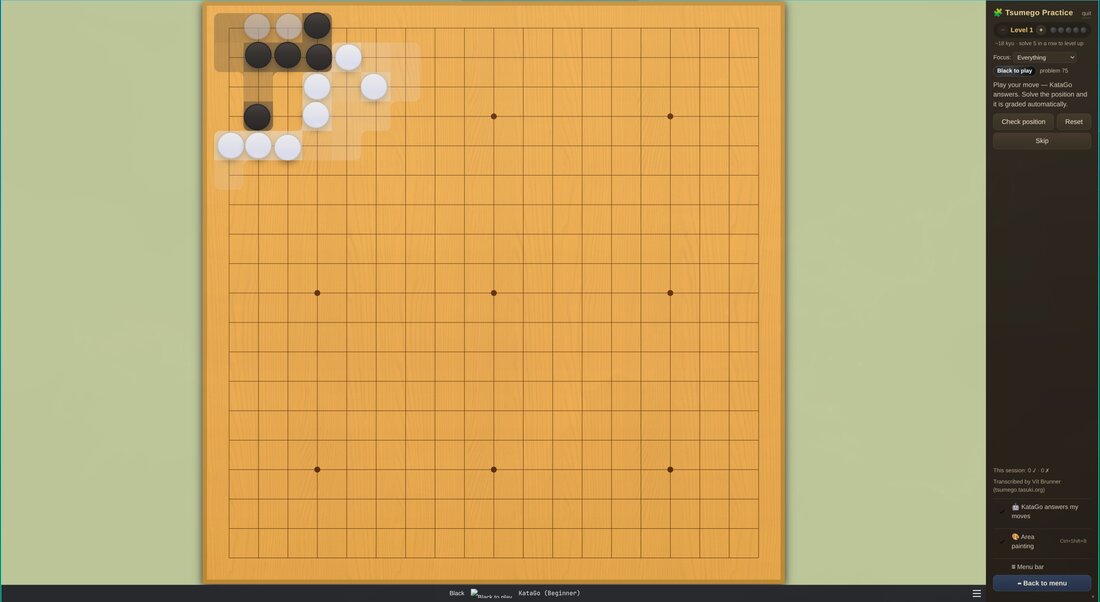
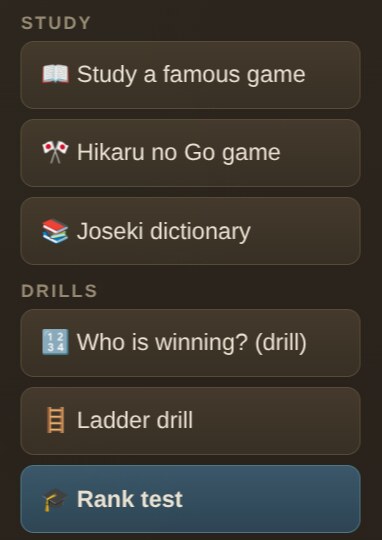
- Over 4,700 tsumego from the classic collections (Cho Chikun’s Encyclopedia, the Gokyo Shumyo, the Xuanxuan Qijing), transcribed by Vít Brunner at tsumego.tasuki.org and converted to SGF by the tasuki2sgf project, plus the 420 commented problems from Go Game Guru’s go-problems (by An Younggil, 8-dan professional), organized into 10 difficulty levels. Solve 5 in a row and you level up. A focus picker filters by life & death, tesuji, ko, or semeai (capturing races).
- The puzzles fight back: with KataGo installed, it answers your moves inside the problem, and when it gives up the area the app judges the result and marks the problem solved automatically.
- Famous historical games to study, from the Ear-Reddening Game (1846, by the legendary Honinbo Shusaku) to AlphaGo vs Lee Sedol, curated from Andries Brouwer’s game database at CWI, each with the story behind it, and the AlphaGo ones with move-by-move commentary. You can watch them in auto-play or turn on “guess the moves” and try to find the pro’s play.
- The Hikaru no Go games: remember how the manga’s games are real? Well, 15 of them are bundled with chapter references and trivia, using the chapter-to-game mapping the community compiled on Sensei’s Library. Sai’s internet game against Toya Meijin, for instance, is a real game decided by half a point.
- A joseki dictionary (Kogo’s Joseki Dictionary, the classic corner-opening reference), ladder drills, a “who is winning?” drill, and a ten-problem rank test that estimates your level and drops you straight into the right practice.
Remember the scattered-material problem? Those collections above are exactly it: each one lived in its own corner of the internet. The provenance and licensing of every set is documented in the repo’s data/SOURCES.md, because you use other people’s archives by giving proper credit.
Overlays for people just starting out
The part of Sabaki I changed the most was building beginner-friendly visual overlays. The main one is area painting: an overlay that paints each player’s influence as a soft gradient and settled territory in solid color, so you literally see what the stones are doing, which areas are dead and which are contested.
Alongside it comes the real-time score accounting for komi (White’s point compensation for playing second), which warns you when you’re hopelessly behind or when the game is already settled. And hovering over the board shows the move names (“Hane”, “One-Point Jump”), the vocabulary the books use and that beginners take forever to absorb.
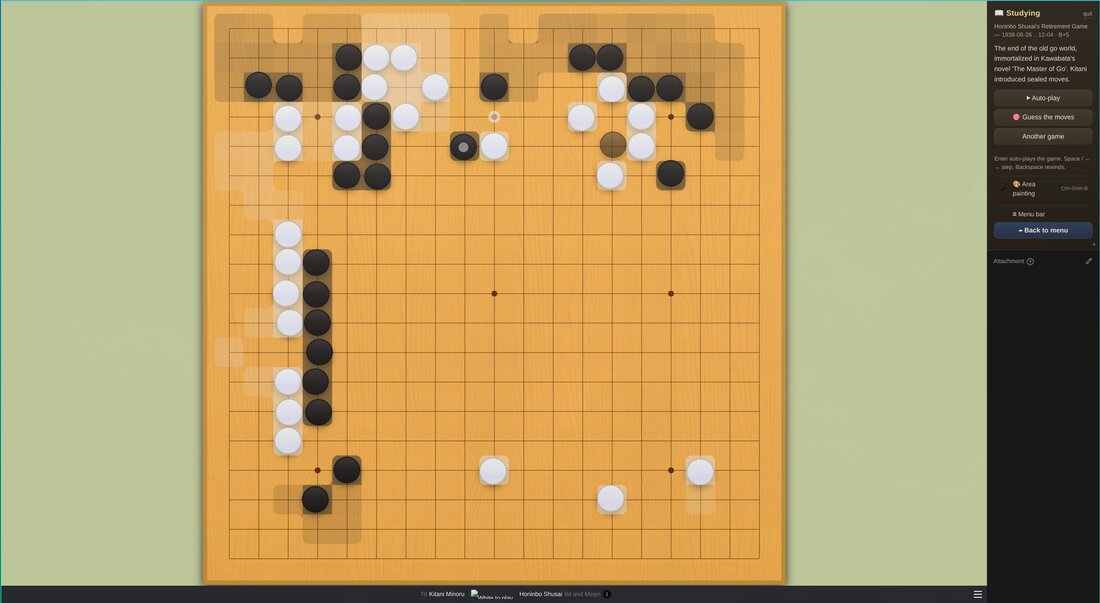
That was my problem with every Go software I ever tried: they’re tools built by strong players for strong players. A winrate percentage says nothing to someone who’s learning. “You’re 12 points behind and the lower left corner just died” says everything. KataGo always knew how to compute this; someone just had to put it on screen in a way a beginner understands.
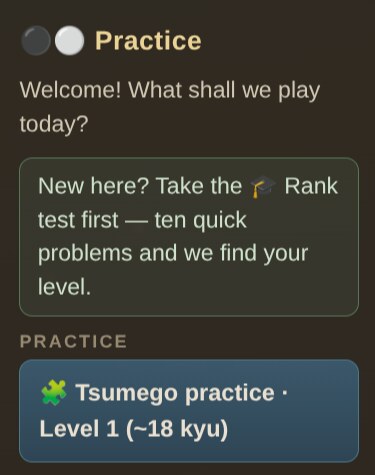
The idea is to be a one-stop shop, zero configuration, for beginners and students to learn Go at their own pace. And there’s a build for everywhere. On Arch Linux it’s yay -S frank-go via AUR. On Windows there’s an installer and a portable build on the Releases page; the installer has no code signing, so SmartScreen complains on first run — just click “More info → Run anyway” (I explain why I don’t sign Windows builds in the best-practices post). On macOS it’s brew install --cask akitaonrails/tap/frank-go, or the .dmg for Apple Silicon and Intel; that build is signed with a Developer ID and notarized by Apple, opens with zero drama. And on any platform you can run from source with npm install.
In every case the app downloads a small CPU engine with one click, no GPU, no account, no server, fully offline. The exception is macOS, where KataGo has no official binary: a brew install katago unlocks play-vs-AI, and everything else (tsumego, study, drills, area painting) works without it. Your progress stays on your machine.
And when you want to play against people
Frank GO is deliberately a solo study app. When you’ve learned and want to play against humans, the natural path is the online servers, and there the more advanced apps serve you better. OGS (Online Go Server) is the friendliest today, runs right in the browser. KGS and Pandanet IGS (the original Internet Go Server, running since the early 90s) are the veterans, and the Asian servers like Fox and Tygem concentrate the strongest players. Organized Go revolves around the IGF (International Go Federation) and the national associations, with rankings and tournaments for anyone who wants to take it seriously.
I don’t. And that’s the whole point of the project: like I said up top, I have zero desire to compete. What I wanted, for literally years, was a way to play and have fun with Go at my own pace, with decent study material in one place, against an AI that plays beautifully instead of spitting out senseless stones like the GNU Go of 2008. I think I finally pulled it off.
The code is MIT, the repo is github.com/akitaonrails/frank_go, and contributions are welcome. There’s even an open issue asking for character portraits for the Hikaru no Go mode, if anyone feels like drawing. Sai thanks you.